SonarQube从GitLab创建项目
为提升代码质量,实现代码自动检测,引入SonarQube平台。本文介绍如何将GitLab中的项目接入该平台,可以实现对代码进行检测。代码质量检测结果应纳入为流水线强制指标。
Create Project From GitLab
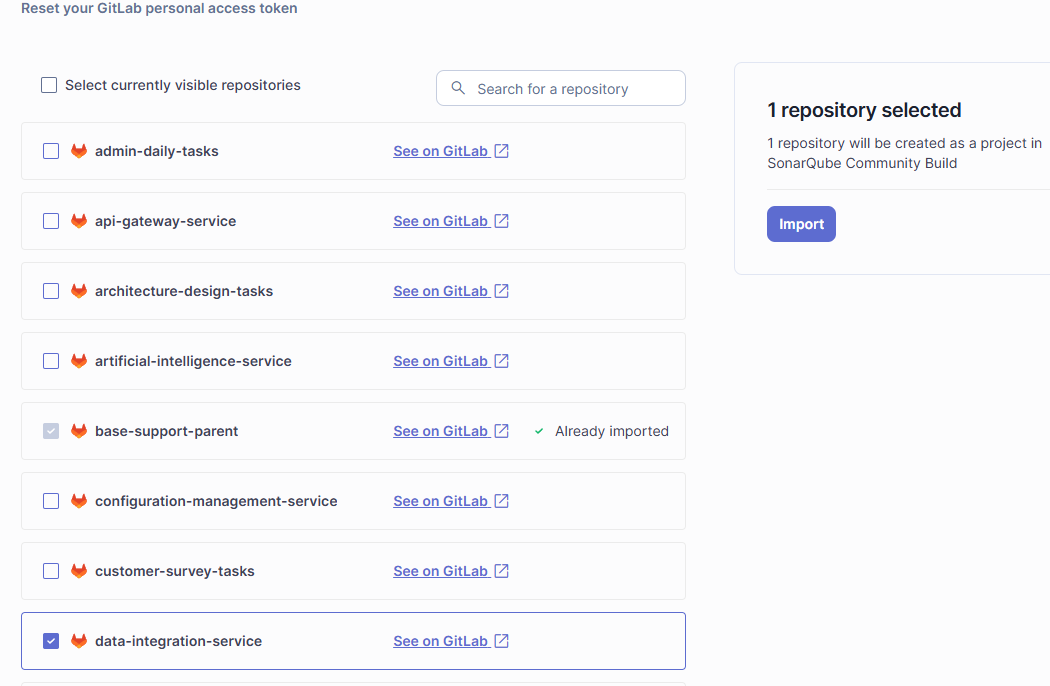
选中GitLab中的项目,进行 Import 导入。
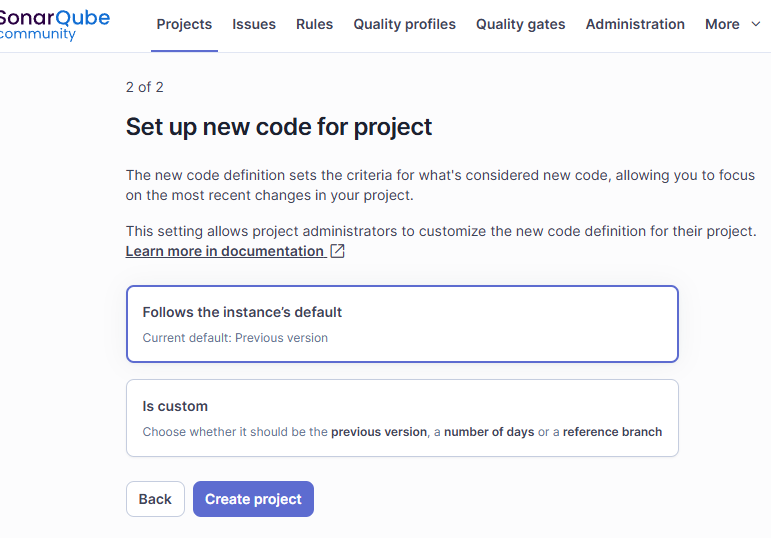
Set up new code for project
选择“Follows the instance’s default”,点击“Create project”
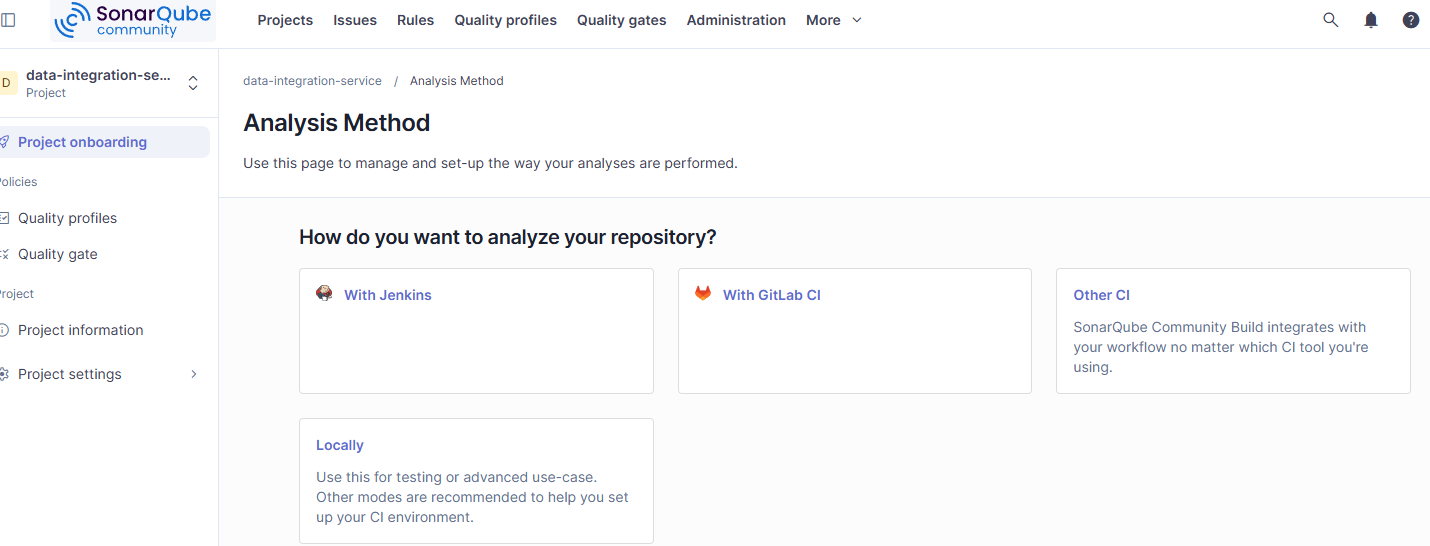
Analysis Method
分析方法选择“With GitLab CI”
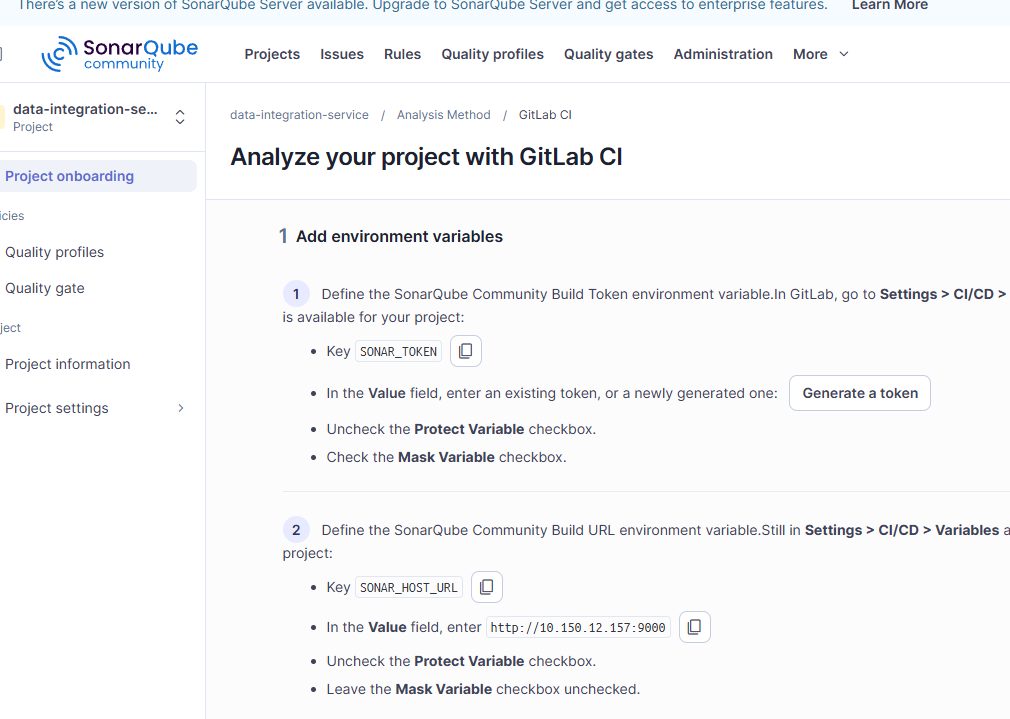
Analyze your project with GitLab CI
Add environment variables
关于环境变量SONAR_TOKEN、SONAR_HOST_URL,因为是所有项目都通用的,已在群组里面设置了,无需另外生成。
Create or update the configuration file
选择项目类型,比如Maven。
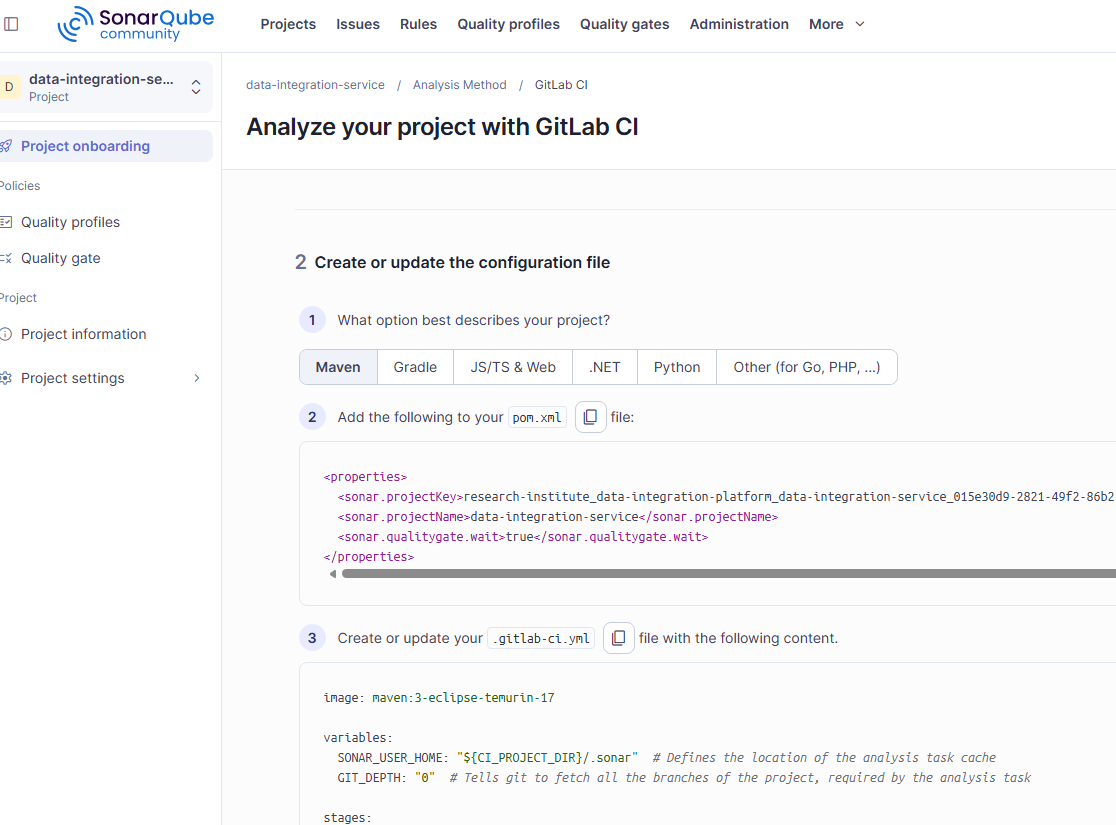
将SonarQube配置添加到pom.xml的properties中。
在项目的根目录创建.gitlab-ci.yml文件,内容根据实际项目需要进行调整。一般会分为单元测试、质量门禁检查、镜像发布等几个阶段。
参考:https://docs.sonarsource.com/sonarqube-community-build/analyzing-source-code/overview